Commercial Camera Systems | NY Metro + Northern NJ

Security Camera Systems in NY Built for Real Operations

VMS Security Cloud helps New York metro and northern New Jersey businesses design and support practical surveillance systems with Ubiquiti Protect cameras, local NVR retention, remote review access, and network-aware deployment planning.

DESIGN

Coverage planning for real facilities

We help determine where surveillance actually belongs: entrances, loading docks, office lobbies, parking areas, hallways, cash wrap, and blind spots that create operational risk.

RECORD

Local recording and retention ownership

Ubiquiti Protect and UNVR deployments are a practical fit when you want predictable retention, simple remote review, and a system that does not depend on a patchwork of third-party logins.

SUPPORT

Tied back into managed IT

Camera systems touch switching, PoE budgets, VLANs, remote access, mobile devices, and user permissions. We treat them like infrastructure instead of a disconnected install.

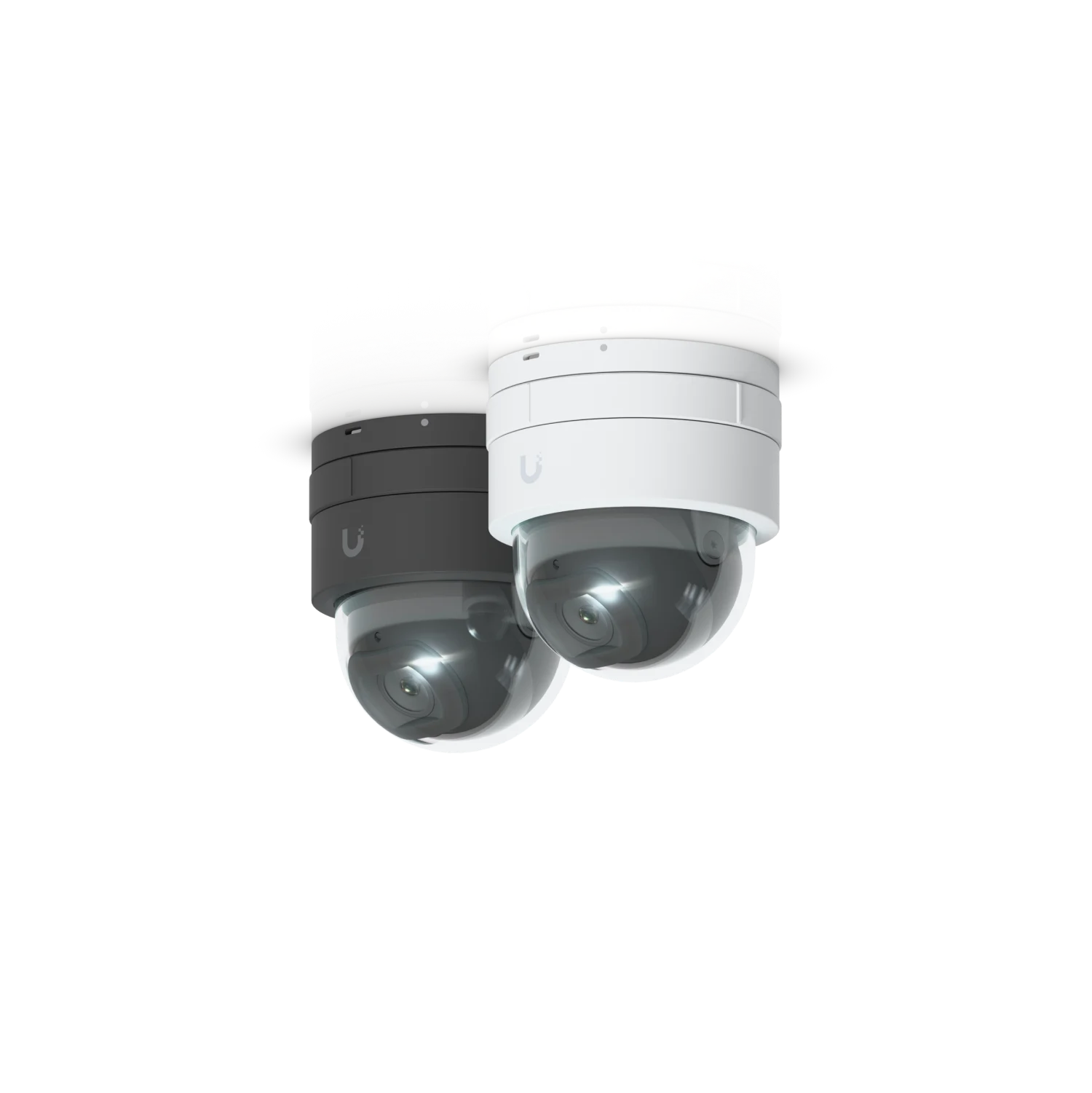
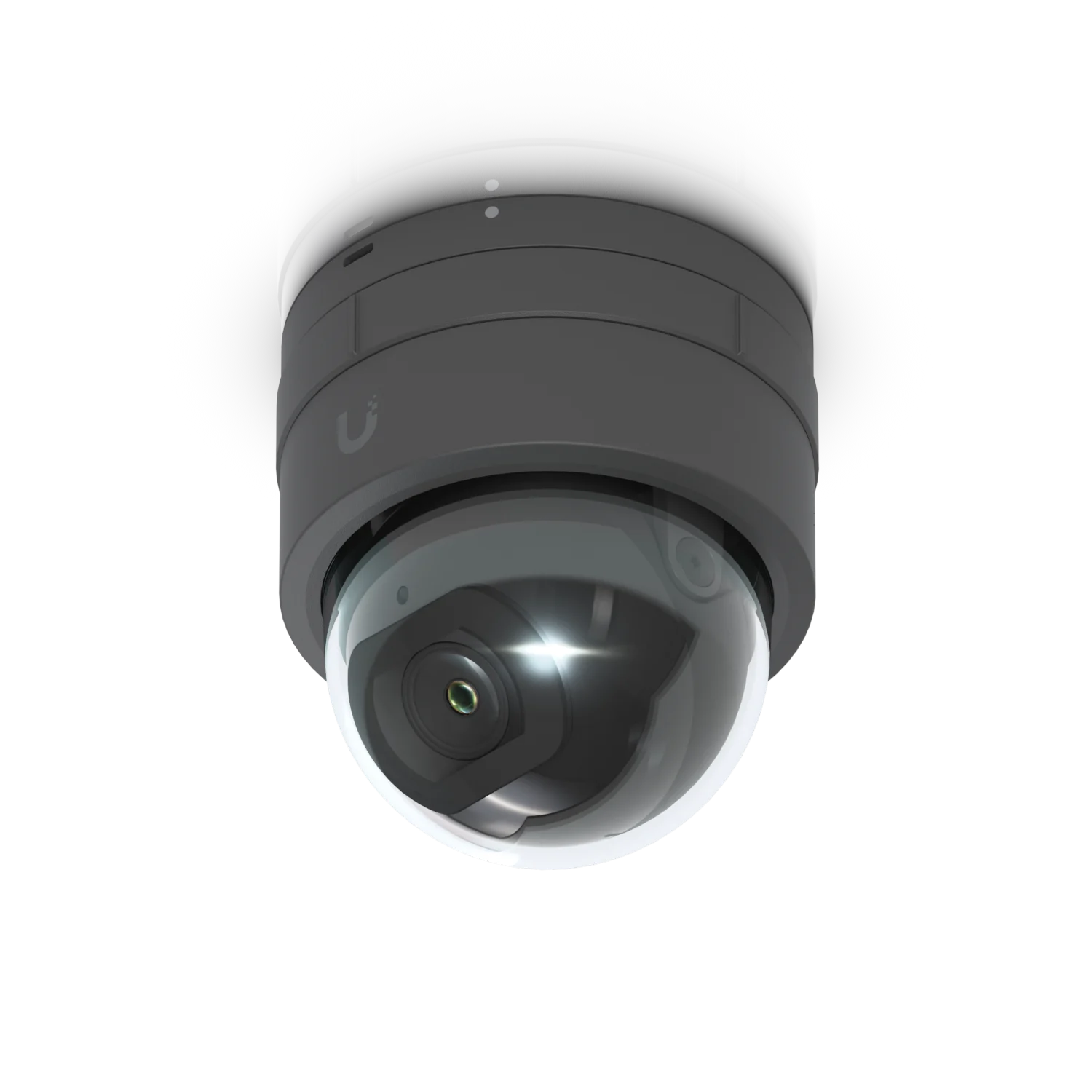
Ubiquiti G5 Dome Ultra product view
Ubiquiti Protect planning

Designed around coverage, retention, and operational ownership

The camera recommendation comes after coverage priorities, retention needs, network constraints, and review workflow are understood. That keeps the final system supportable instead of turning into a disconnected install.

Interior and perimeter camera mix

Use dome cameras where you need clean indoor coverage and bullet cameras where longer exterior sight lines or weather exposure matter.

Recorder sizing before camera counts

Retention targets, remote review needs, and incident workflow should define the recorder and storage plan before hardware counts are locked.

Network-aware deployment from day one

PoE budgets, switching, VLANs, remote access, and user permissions are part of the scope, not post-install cleanup.

Operational Fit

Where Camera Systems Usually Deliver the Most Value

The strongest projects are not generic camera installs. They are tied to real operating concerns: site access, incident review, staff safety, after-hours visibility, loss prevention, and cleaner evidence retention.

Office and lobby visibility

Front desks, waiting areas, vestibules, staff entrances, and interior hallways where you need searchable coverage and clean incident review.

Retail and customer-facing spaces

Checkout counters, sales floors, back rooms, stock handling, and storefront entrances where disputes, shrink, and access patterns need better evidence.

Warehouse, loading, and perimeter areas

Receiving doors, yard areas, dock activity, parking lots, and shared-access spaces where after-hours visibility and retention matter most.

Recommended Stack

Recommended Ubiquiti Protect Stack

For many SMB camera deployments, the right answer is a clean combination of interior cameras, perimeter cameras, and a recorder sized for realistic retention rather than a bloated quote.

Ubiquiti G5 Dome Ultra hero product image
Interior cameras

UniFi Protect G5 Dome Ultra

A clean option for office interiors, entry vestibules, reception, hallways, and other indoor spaces where you want reliable coverage without oversized hardware.

View official product
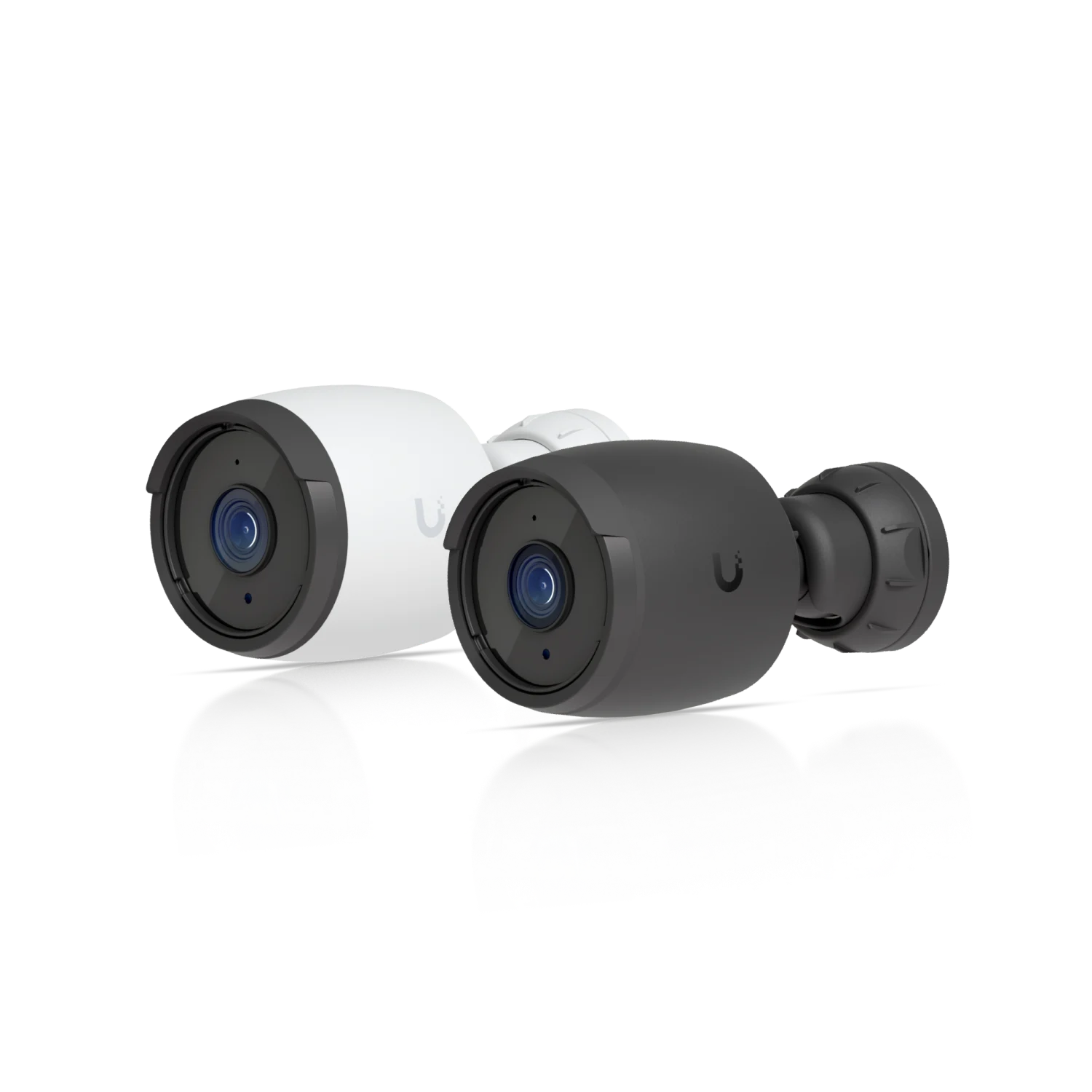
Ubiquiti G6 Bullet hero product image
Exterior coverage

UniFi Protect G6 Bullet

A stronger perimeter camera choice for building exteriors, parking lots, receiving areas, gates, and yard views where weather exposure and longer sight lines matter.

View official product
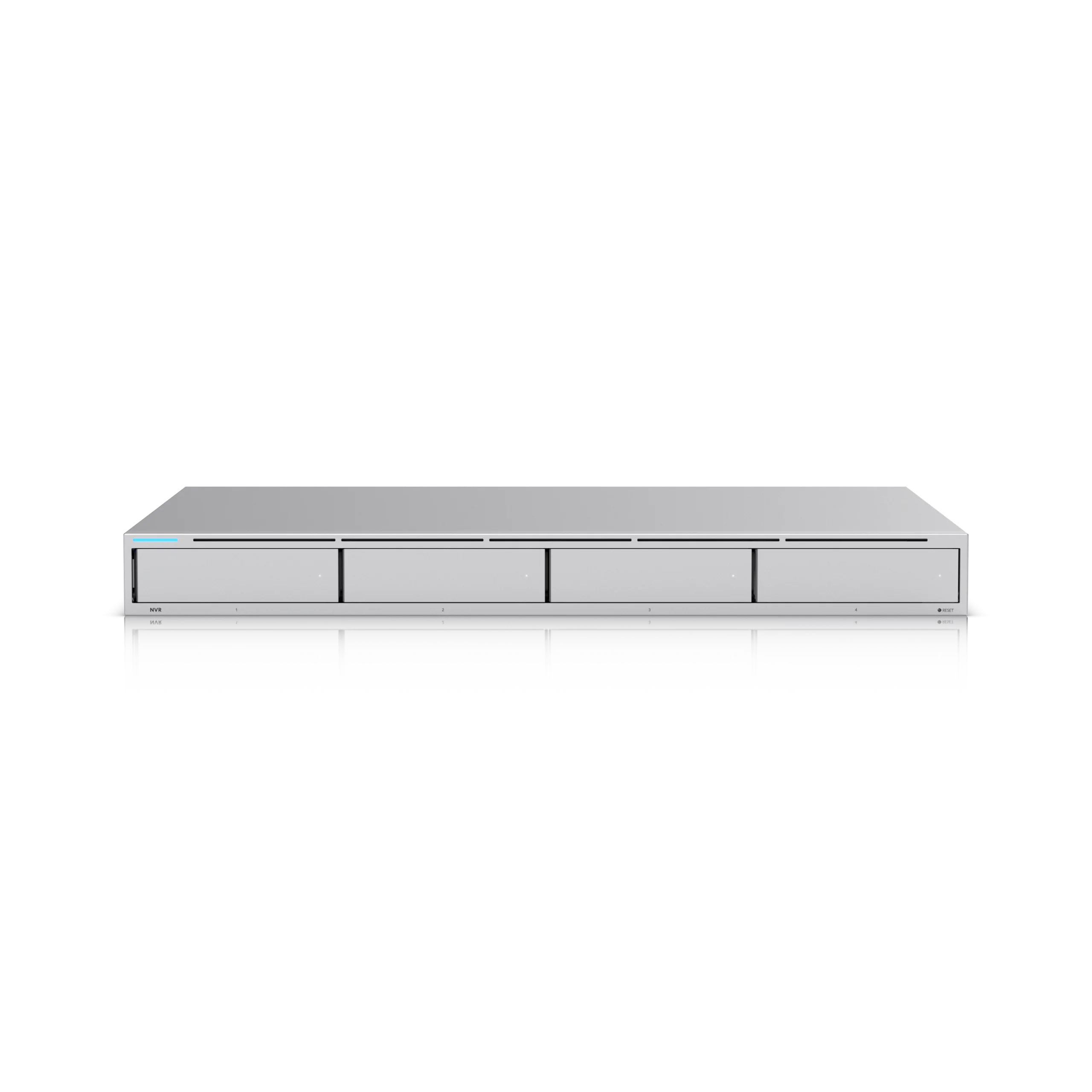
Ubiquiti network video recorder hero product image
Local retention

UniFi Network Video Recorder

A centralized recording platform for multi-camera sites that need local evidence retention, cleaner user access, and a more supportable review workflow.

View official product
Fleet & Facility Security Example

Professional Transit: IT Infrastructure and Cameras for a Growing Transit Operator

VMS has supported Professional Transit for more than 20 years. As the company expanded to its third location, VMS was hired to set up the IT infrastructure and a security camera system that helps secure the fleet and site operations.

  • Long-term support relationship instead of a one-time install.
  • Hosted Exchange, site IT, and camera operations supported through one accountable partner.
  • Camera coverage tied directly to fleet activity, site workflows, and a third-location expansion in Brooklyn.
Planning Inputs

What We Verify Before Recommending Hardware

A good surveillance proposal is not a random parts list. It is a coverage, retention, and operating plan tied back to the business, the building, and the network underneath it.

Coverage map and sight lines

We look at entrances, docks, counters, perimeter runs, blind spots, and how staff or visitors actually move through the property before we talk camera counts.

PoE budgets and switching

Camera systems live on the network. Recorder and camera recommendations are tied back to switching, uplinks, VLANs, and remote-access design so the install is supportable.

Retention targets and review workflow

We define realistic retention days, which users need remote review, and how evidence should be retrieved when there is an incident instead of leaving that unanswered until later.

Day and night operating conditions

Indoor versus perimeter coverage, lighting conditions, parking lots, yard areas, and after-hours visibility all affect the right mix of dome, bullet, and recorder choices.

Operational Ownership

What VMS Handles After the Install

The difference between a camera quote and a supportable system is who owns the network impact, recorder health, retention plan, remote access, and changes that follow after the first install day.

The surveillance system stays tied to the MSP operating model

We scope camera systems as part of the full business environment: coverage priorities, cabling or PoE switch constraints, uplinks, remote access, user roles, mobile review access, and evidence retention expectations.

That usually means a cleaner rollout for offices, retail floors, warehouses, shared entrances, and multi-site businesses that do not want a separate surveillance vendor and a separate IT owner arguing over the network.

If your team already runs on a VMS-managed IT stack, camera systems can be folded into the same support model so firmware, access, recorder health, and network behavior stay under one accountable operator.

Recorder health, firmware coordination, and user-access ownership under the same support model as the rest of the network.

Retention and review workflow planning so footage is usable when an incident happens instead of only looking good on a quote.

Escalation support that covers switching, camera access, mobile review, and site changes without splitting accountability across vendors.

FAQ

Camera Systems FAQ

What types of businesses are a good fit for VMS camera systems in New York?

We work best with offices, retail locations, warehouses, mixed-use facilities, and growing multi-site businesses that need better visibility, cleaner evidence retention, and a more supportable surveillance platform than a patchwork DIY setup.

Do you only sell cameras, or do you help design the full recording environment?

We support the broader operating model: camera placement, network and PoE planning, recorder sizing, retention targets, user access, remote viewing, and handoff into your broader IT and security environment.

Do you work with Ubiquiti Protect hardware such as G5, G6, and NVR systems?

Yes. Ubiquiti Protect is a practical fit for many small and medium businesses because it combines straightforward camera management, local recording, and remote review without turning the deployment into an enterprise-only project.

Can camera systems be folded into a managed IT relationship?

Yes. Camera systems usually touch switching, storage, remote access, mobile device policy, and user permissions, so they fit naturally into the broader managed IT and cybersecurity model when you want one accountable operator.

Planning a Camera System Upgrade or New Deployment?

We can review the site, define the coverage priorities, and recommend a supportable camera and NVR layout before you spend money on the wrong hardware mix.